ParentSquare
What is ParentSquare?
District and School Communications with Families
ParentSquare is the mass notification service for CMCSS and provides families with improved options to receive communications from schools and the District when and how families want to receive them, with translations in 100+ languages.
Phone calls will be available for emergencies or other urgent communications, but families will primarily receive communications via text, email, and the ParentSquare app and/or desktop version.
Additionally, ParentSquare will provide a platform for translatable, two-way communications between educators and parents/guardians and open mass notification access for teachers to families of students in their classes.
Here’s what you can do with ParentSquare:
- Receive messages from the school via email, text, or app notification
- Choose to receive information as it comes or all at once with a daily digest (for example, a daily email at 6 p.m.)
- Communicate in your preferred language
- Direct message teachers
Updating Your Contact Information
Parents/Guardians
ParentSquare fully integrates with PowerSchool, and families are automatically opted in to receive notifications. All contact information must be listed correctly in PowerSchool. If you are a parent/guardian and would like to add or update a phone number or email address, please visit parents.cmcss.net and update your student information. Contact information edits in ParentSquare will not work.
CMCSS Employees
ParentSquare fully integrates with Munis, and employees are automatically opted in to receive notifications. Your primary cell phone number must be listed correctly in Munis. To update your contact information, visit “Employee Self Service” in ClassLink, click the “Personal Information” tab on the left, click “Contact” at the top, and then edit your contact information. Contact information edits in ParentSquare will not work.
Download the App
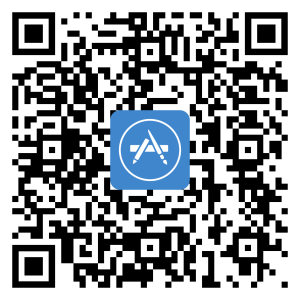
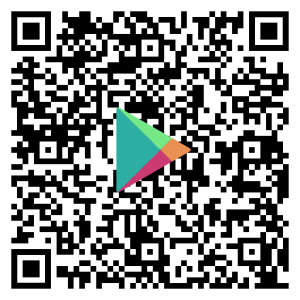
You can use ParentSquare on any device. Download the free mobile app for iOS or Android or use the desktop version at parentsquare.com. Scan the QR codes below to download the app to your mobile device.
Device Verification
Effective July 31, 2024, ParentSquare is implementing multi-factor authentication (MFA) for all users to protect their data. When users log in, they will be required to enter a verification code every six months. If you have any issues, click here for ParentSquare’s help page for MFA.
Set Up Guides (Spanish)
Watch the Training Video
This 14-minute video will walk you through how to use ParentSquare and answer commonly asked questions.
Do you still have questions?
Visit Frequently Asked Questions to find answers to common questions regarding ParentSquare and district communications.
How ParentSquare and PowerSchool Work Together
PowerSchool is the district’s official gradebook and attendance tracker. PowerSchool is the primary source for contact information for students and their families. Each night, PowerSchool sends updates to ParentSquare, including updates regarding family contact information. It is important to keep your information in PowerSchool up to date to ensure your ParentSquare access remains current.
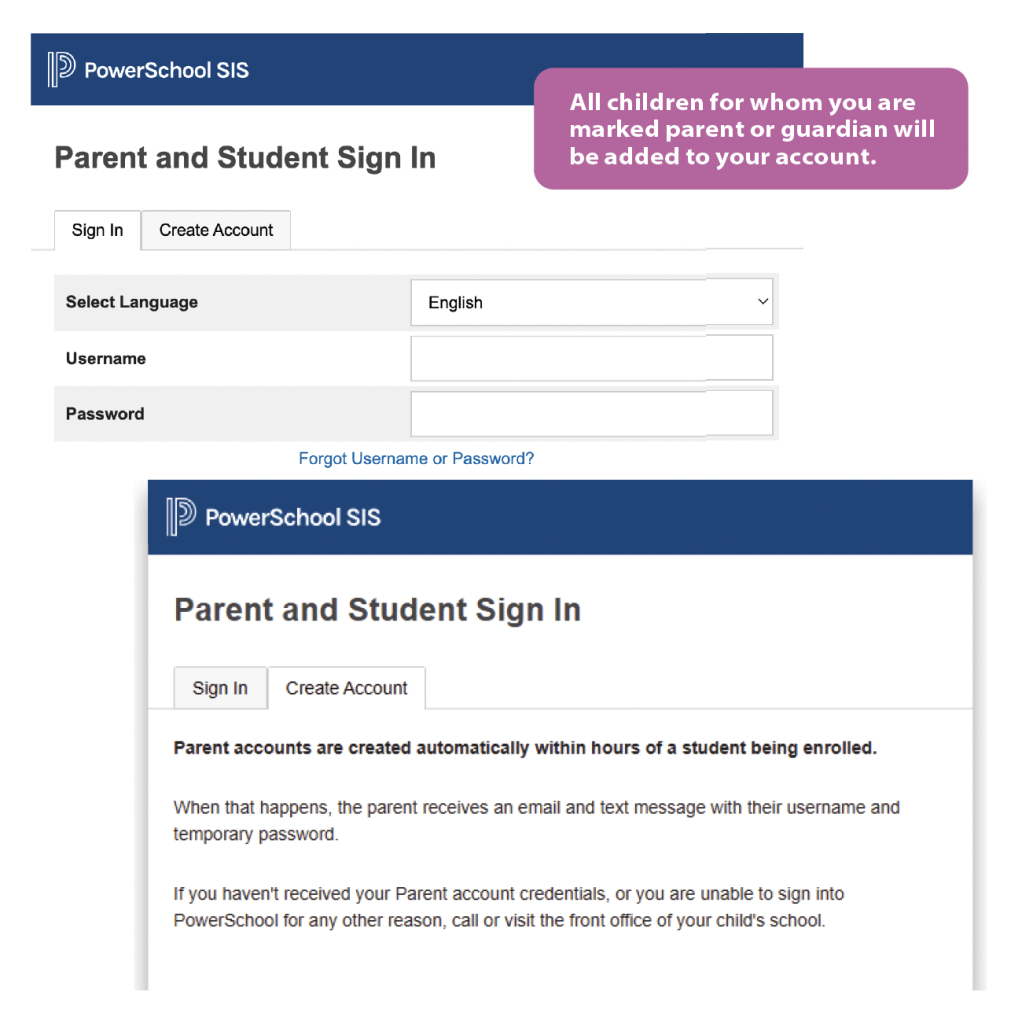
CMCSS families are encouraged to sign up for PowerSchool notifications. Within 48 hours of your child’s enrollment being completed, parent and guardian accounts will be automatically created.
How to Access Your Account
If you did not already have an account, one will be created for you. The username and temporary password will be sent via email and text using the info you provided during enrollment. You can access the PowerSchool sign-in page for CMCSS at powerschool.cmcss.net.
If you already have children in the district and are adding another child, then your new child will be added to your current account as long as you use the same contact information.
Download the PowerSchool App
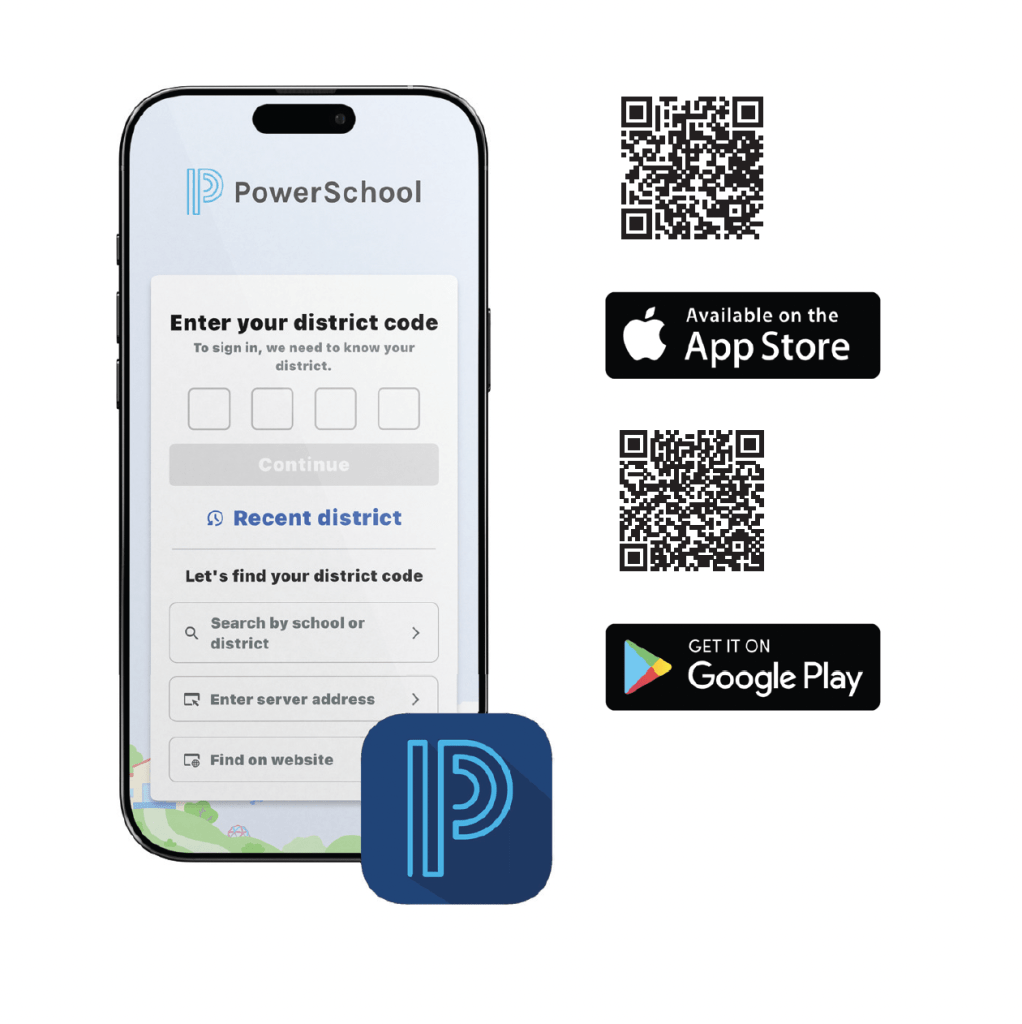
The PowerSchool app is a free and convenient resource for families to review their child’s academic progress. Once you set up an account using the directions above, download the app from the App Store or Google Play. Use CMCSS’s district code P Z Q N when you register. Scan the QR codes below to get started.